Learn · computer
Windows 10 in 2026: the three real ways out
Your Windows 10 computer still works, but it no longer gets security patches. The three ways out that actually exist, and what each one costs.
Text drafted with artificial intelligence. The topic, the angle and the final review are Ibrahin's. How AI is used here
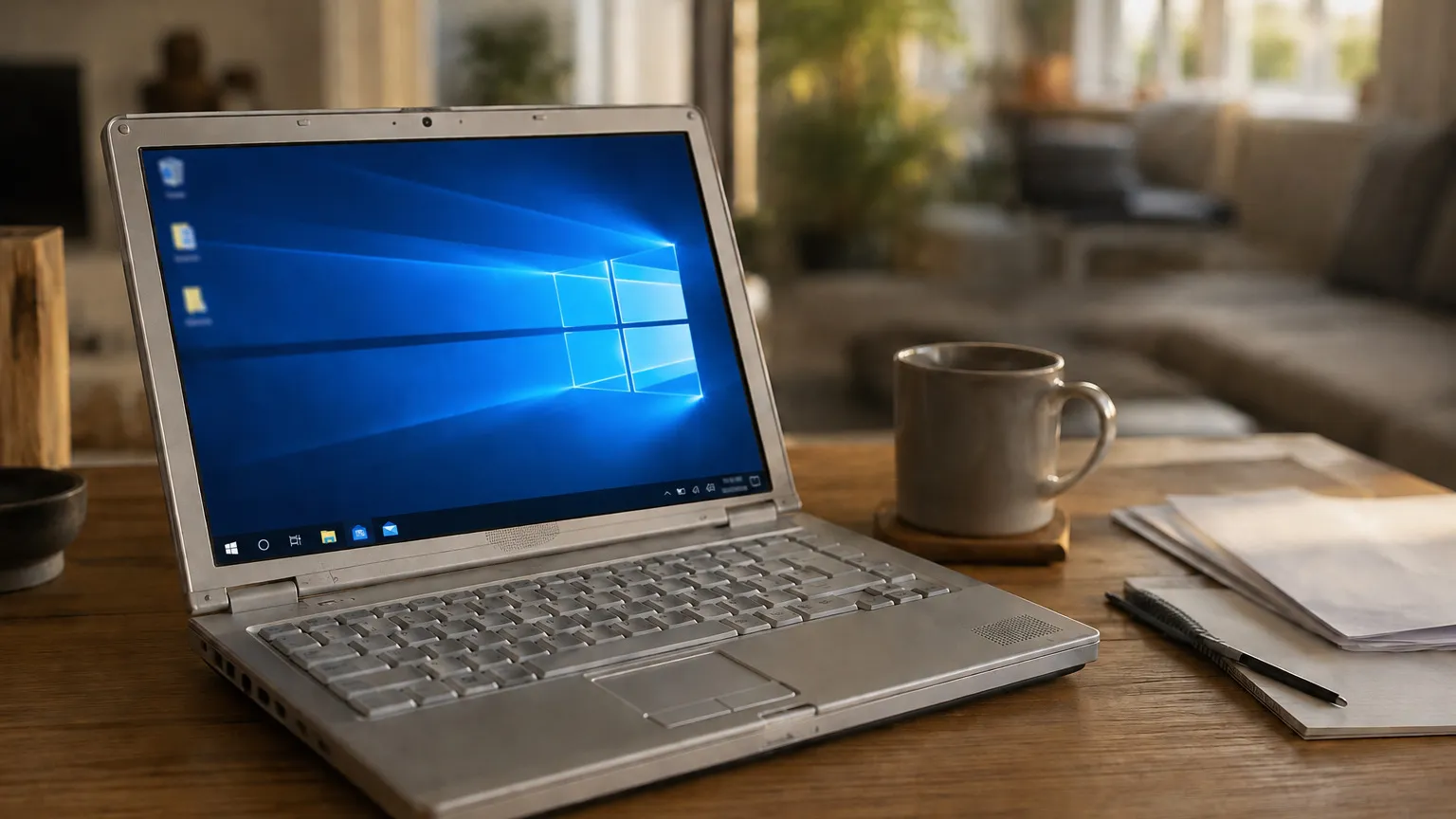
On 14 October 2025 Microsoft stopped supporting Windows 10. Almost a year later, plenty of people have a computer that switches on, runs fine and does what it always did, and at the same time they are being told to throw it away.
Two things get confused here and are worth separating. Your computer has not stopped working and is not going to: programs still open exactly the same. What has stopped is something else, and it is the part that matters: security patches no longer arrive. New flaws are found in Windows every month, and on your machine those holes are no longer being closed.
That is why nothing happened on 15 October. The risk does not appear all at once: it builds up.
Way out 1: stay on Windows 10 with patches until October 2027
Microsoft left a door open. It is called Extended Security Updates, and it stretches security patches until 12 October 2027. You can sign up at any point before that date.
In Spain there are two ways to get it, and only two:
The two routes in Spain
Extended Security Updates
Cover until 12 October 2027
Microsoft does not publish the price in euros: it only says “30 dollars or the local currency equivalent”. Do not trust any euro figure you see elsewhere; check it on their page.
To sign up, your Windows 10 has to be on version 22H2 with the latest updates installed, and you have to sign in with a Microsoft account that is an administrator. A child account will not do, and it does not work on work computers managed by an organisation. Enrolment appears in Settings → Update and Security → Windows Update.
Two warnings. This gives you critical and important security updates only: no new features, no technical support. And it is a bridge, not a destination: in a little over a year it ends and you are back where you were.
Way out 2: move to Windows 11
It is free if your machine meets the requirements. The problem is that plenty of perfectly healthy computers do not, and the reason is surprising.
Example · what the check returns
PC Health Check
This PC does not meet the Windows 11 requirements
To settle it, install PC Health Check, Microsoft’s free application, and it tells you on one screen. If your machine qualifies, the prompt to upgrade also appears in Windows Update.
There is one detail that rescues a fair number of computers: the TPM and Secure Boot are sometimes present but disabled in the machine’s start-up settings. If the check fails only because of that, there is a fix. But those settings live on a screen that comes before Windows, you navigate them without a mouse, and one mistake can leave the machine unable to start. If you are not comfortable, let someone who has done it before take a look.
And one change worth knowing before you take the step: Windows 11 asks for an internet connection and a Microsoft account during initial setup. If you have spent years with a local account on your machine, this is new.
Way out 3: change system or change machine
If your computer cannot take Windows 11 and you do not want to depend on a bridge that expires, there are two honest routes left.
Install Linux. It is free, it runs well on older machines and it gets updates. But I am not going to sell it as if it cost nothing: it is a different system, with different names for everything, and some Windows programs do not run there. If you use the computer for browsing, email, documents and photos, most people manage. If you depend on one specific work program, check it first, not afterwards.
Buy another computer. The expensive option, and sometimes the sensible one. If the machine was already struggling, if the battery no longer holds, or if you need it to last another six years without surprises, replacing it is not giving up.
Whatever you do, make a backup you have actually tested first. Changing system or machine is exactly the moment people discover their backup did not include what they thought.
What you should not do: force Windows 11
You will read that the requirements can be bypassed and Windows 11 installed anyway. That is true: Microsoft allows it and makes you accept a warning. What that warning says matters.
Microsoft warns that on a machine that does not meet the requirements it does not guarantee that updates will arrive, security ones included, and that damage caused by incompatibility is not covered by the manufacturer’s warranty.
Read that again: the reason you wanted to leave Windows 10 was being left without patches. Forcing Windows 11 can leave you in exactly the same place, but with a system that may also cause compatibility problems. For someone who just wants a computer that works, it is a bad deal.
A browser that keeps updating does not save you
There is a confusion here worth clearing up. On top of Windows 10, some things do keep updating:
- Microsoft Edge will keep updating until at least October 2028, and for that you do not need to be signed up to Extended Security Updates.
- Microsoft 365 applications receive security updates until 10 October 2028, although they stop getting new features earlier.
It sounds reassuring and it is not. An up-to-date browser on top of an unpatched system is still an unpatched machine. Safe applications do not repair the floor they stand on.
Watch the dates too: October 2028 is Edge and Office. Yours, if you sign up for Extended Security Updates, is October 2027. They are a year apart.
What to do this week
- Check which version of Windows 10 you have. If it is not 22H2, update it: without that you cannot sign up for anything.
- Install PC Health Check and settle the Windows 11 question.
- If your machine does not qualify, sign up for Extended Security Updates. That gives you until October 2027 to decide calmly.
- Make a backup and check that you can genuinely restore a file.
- If you open your email or your bank from that computer, review your passwords first. An unpatched machine is a worse place to type them.
None of this is urgent today. But it is not the kind of thing that fixes itself either.
Sources
- Windows 10 support ended on 14 October 2025 — Microsoft
- Windows 10 Extended Security Updates — Microsoft
- Windows 11 specifications and system requirements — Microsoft
- Windows 11 on devices that do not meet minimum requirements — Microsoft
- Windows 10 end of support and Microsoft 365 Apps — Microsoft
Related
Review
Responsible for publication: Ibrahin. Date: 2026-09-04. Last checked: 2026-09-04. Dates, conditions and requirements were checked one by one against Microsoft’s official documentation on 4 September 2026.