Learn · security
How to spot a fraudulent text, WhatsApp or email
Learn to recognise fake messages, check a notice without opening its links, and act fast if you already clicked.
Text drafted with artificial intelligence. The topic, the angle and the final review are Ibrahin's. How AI is used here
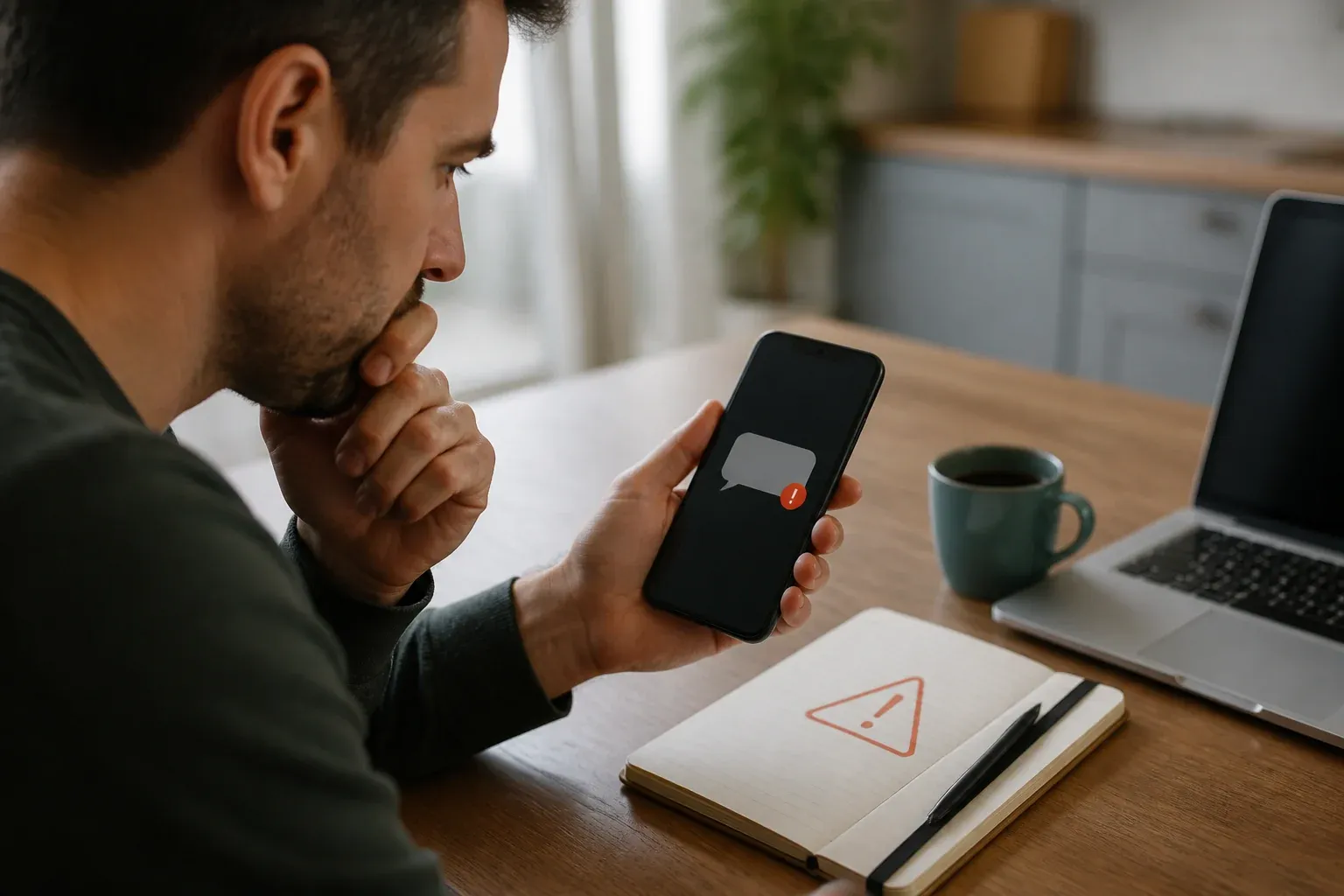
Fraudulent messages do not always arrive full of spelling mistakes. They can copy the name, the colours and the tone of a company you know. What usually gives them away is the combination of urgency, a request for information, and a path that pushes you to act without checking.
Short answer
If a message rushes you, asks for a code or takes you to an unexpected link, do not reply and do not tap. Open the official app, or type the service’s address yourself, and check there whether the notice really exists.
The clearest sign: they want you to act fast
A bank, a delivery company or someone you know can send you legitimate notices. The name you can see does not prove who sent it. Before doing anything, look for signals that change the risk:
- “Your account will be closed today.”
- “Confirm now to avoid a charge.”
- “Send me the code you have just received.”
- “Open this link to receive your parcel.”
- “Do not call anyone; sort it out from here.”
Urgency is not proof of fraud, but it is a good reason to pause.
Check the sender without trusting the name
In an email, look at the full address, not just the name shown on screen. In a text or WhatsApp message, check the number and ask yourself whether you were expecting that contact. An attacker can use a real account that has been stolen, so even a familiar name needs context.
Do not use the link in the message to check the message. Go to the official app, use a bookmark you already had, or type the address directly. If the notice is not there, treat it as suspicious and contact the company through a channel published on their own site.
What to do before opening a link
On a computer you can hover over it without clicking to see the address; on a phone, press and hold only if you know that will not open the page. Even then, an address that looks similar is no guarantee that it is safe.
Check whether the domain is exactly the one you expect, whether words have been added, or whether the message uses a shortened address. Do not enter credentials to “check” a notice. A page with the right logo can still be fake.
If they ask you for a code
Sign-in and two-factor codes exist to prove that it is you. They are not shared with anyone else, even if they say they work for your bank, the courier or technical support. If someone asks you for one by phone, text, WhatsApp or email, end the conversation and go into the service yourself.
If the message seems to come from someone you know
A relative’s or colleague’s account can also be compromised. Confirm through another channel: a call to the number you already had, a face-to-face conversation, or a message started from a different account. Do not use the link or the number included in the suspicious notice.
If you already clicked
Do not fill in any more forms and do not download anything. Close the page and go into the account by typing the official address yourself. If you entered a password, change it from a device you trust, and change it too on any other service where you reused it. If you handed over banking details, contact your bank through its official channel.
Check open sessions, devices, forwarding rules and connected apps. Keep the message as evidence, but do not post screenshots showing codes, phone numbers or personal details. If messages were sent from your account, warn your contacts by another means.
Common mistakes
Trusting the logo
An image is easy to copy. Real identity is verified from the official app or website.
Opening it to check
The link may be exactly the trap. Checking has to start outside the message.
Replying to ask
A reply confirms that your number or address is live. Use an independent channel.
Panicking and making it worse
Rushing can lead you to call the fake number, share a code or install an app. Pause first, then verify.
What I would do
I would always follow the same sequence: do not touch the message, open the service myself, check whether there is a real notice, and only then act. If I cannot confirm where it came from, I report it and delete it after saving whatever evidence is needed.
Quick checklist
- Was I expecting this message?
- Is it asking for urgency, data, money or a code?
- Can I check it from the official app?
- Am I using a channel other than the message itself?
- What do I need to protect if I have already clicked?
Sources
- How to spot a scam email, text message or call — NCSC
- Report a scam text message — NCSC
- Report phishing — Action Fraud
Related
Review
Responsible for publication: Ibrahin. Date: 2026-09-02. Last checked: 2026-09-02.