Learn · phones
What to do before changing your phone
The checklist worth completing before you switch phones: backups, accounts, two-factor, eSIM and securely wiping the old device.
Text drafted with artificial intelligence. The topic, the angle and the final review are Ibrahin's. How AI is used here
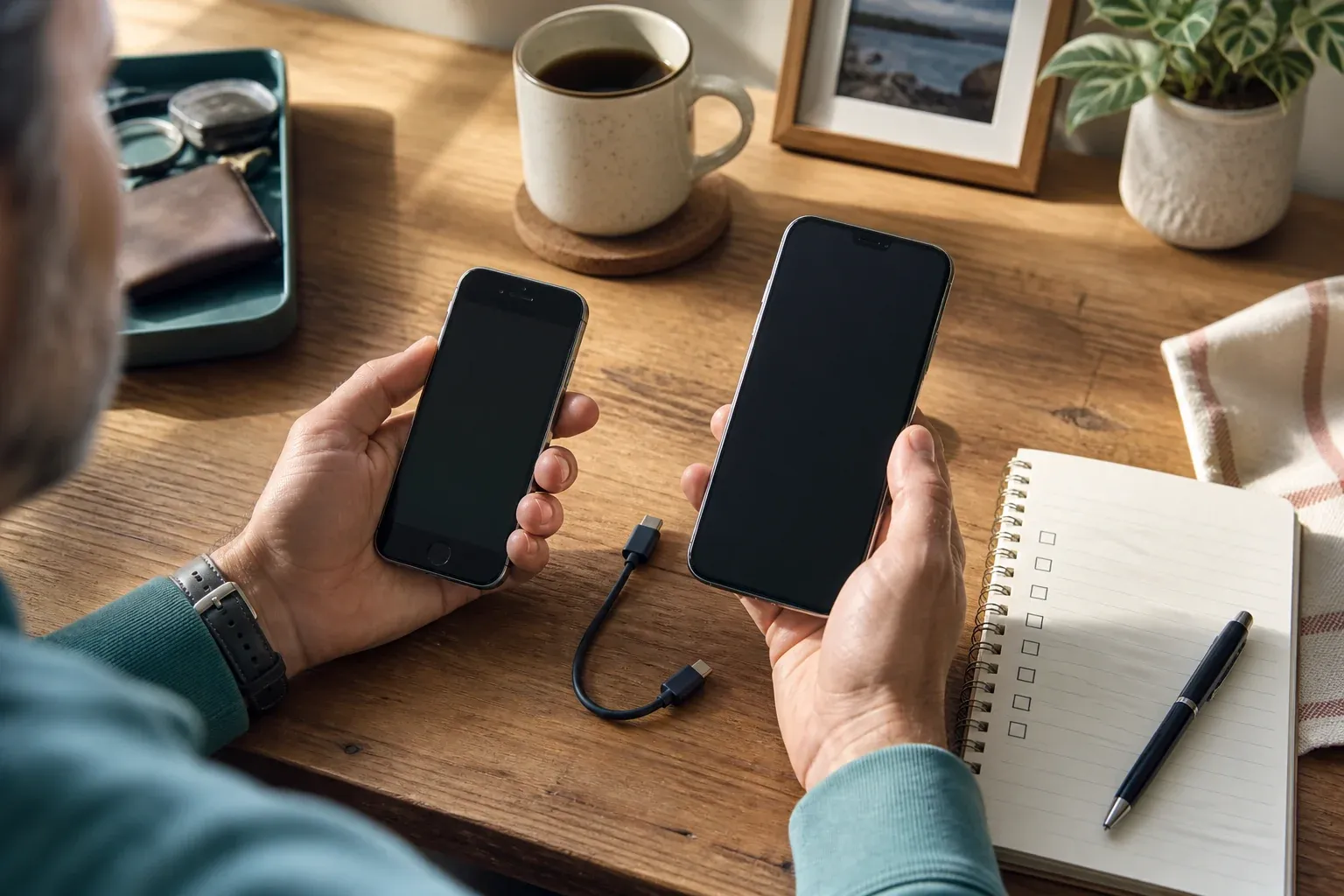
Changing phones is not just copying apps across. You also have to move photos, conversations, accounts, authenticators and recovery methods. The most expensive mistake usually happens at the end: wiping the old device before checking that everything important works on the new one.
Short answer
Make a backup you can actually restore, check photos, contacts and conversations, prepare the eSIM and your recovery codes, sign in to the critical accounts, and only then wipe the old phone.
Before you switch the new phone on
Make a list of what you do not want to lose:
- photos and videos;
- contacts and calendar;
- conversations and files from messaging apps;
- notes, recordings and downloads;
- banking and authenticator apps;
- email and recovery accounts;
- eSIM, SIM card and any accessories you need.
Also note which apps will ask you to verify your identity again. Do not keep recovery codes in an unprotected screenshot.
Step 1: make the backup, then check it
Check the date and the contents of the official system backup. Look at photos from different dates and open a restored document as a test. If the backup only syncs photos, make a separate copy of documents, downloads and conversations.
It is not enough for the transfer assistant to finish without showing an error. The proof is opening what you need on the new phone.
Step 2: sort out the main account
Secure the email account that recovers the others first. Have the password, the second factor and the recovery codes to hand. If you use an authenticator app, check how its accounts are transferred before wiping the old phone.
Sign in to the account from the new device and make sure recovery does not depend solely on the phone you are about to retire.
Step 3: move the eSIM and your numbers
An eSIM may need a specific process from your network. Do not wipe the old phone until you can make calls, receive messages and receive any codes still going to that number. If you use dual SIM, check which line is the main one.
If your network offers a transfer from its app, use that official app and not a link you received in a message.
Step 4: test the important accounts
Open email, banking, payments, messaging, storage and your authenticator. Check one basic action in each: receive a message, view a photo, open a document or generate a code.
If something fails, keep the old phone locked and connected until you regain access. Do not share codes with anyone promising to sort out a migration for you.
Step 5: wipe the old phone
Before you reset it, sign out of your sessions, remove cards and the eSIM where relevant, remove accounts using the system’s own procedure, and confirm the backup. If you are selling or handing it on, use the official reset and not a cleaning app.
After wiping, check from another device that the phone no longer appears as an active session.
Common mistakes
Wiping before verifying
The transfer may have copied the apps but not their data, codes or files.
Forgetting the authenticator
Without the second factor you can be locked out of accounts whose password you do have.
Confusing the SIM with the account
Having the number active does not mean the conversations, photos and sessions have moved across.
Selling it with sessions still open
Reset the device and remove any payment method or account before handing it over.
What I would do
I would spread the migration over two days: on the first, copy and test; on the second, check the accounts, and only then wipe the old phone. Waiting is cheaper than losing photos or being locked out of your email.
Final checklist
- Is the backup recent, and have you checked what is in it?
- Do photos, contacts, chats and documents work?
- Are the eSIM and messages active?
- Do banking and the authenticator work?
- Have you signed out of and wiped the old device properly?
Sources
- Transfer data to your new iPhone or iPad — Apple
- Switch to a new Android device — Google
Related
Review
Responsible for publication: Ibrahin. Date: 2026-09-02. Last checked: 2026-09-02.