Recommendations · accessories
How to choose accessories that are actually worth it
A simple guide to buying chargers, cables, stands and hubs that solve a real problem, without spending on impulse.
Text drafted with artificial intelligence. The topic, the angle and the final review are Ibrahin's. How AI is used here
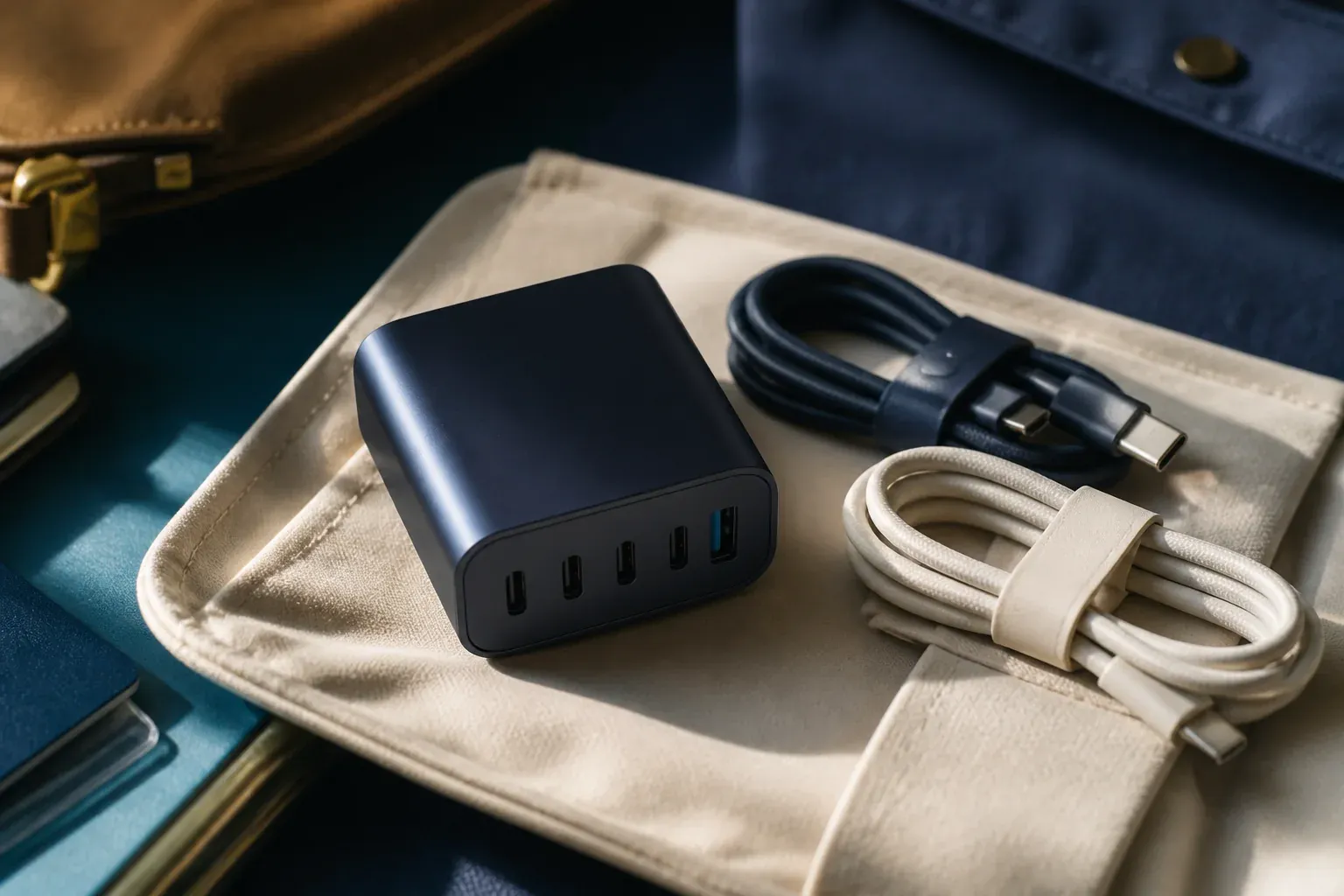
Buying an accessory looks like a small decision. But a cable that will not charge a laptop, a hub that does not recognise a monitor, or an uncomfortable stand can end up costing you money and patience.
The most useful rule is simple: an accessory is worth it when it solves a specific annoyance and you know in advance what it has to do. If you cannot explain what problem it solves, you probably do not need to buy it yet.
Start from the problem, not the catalogue
Before looking at models, finish this sentence: “I want this accessory because…”.
It might be because a port is missing, because the current cable is too short, because you need the phone visible while you work, or because you want to charge several devices in one place. That answer defines the purchase better than a list of features.
If there is no specific annoyance, wait a few days. A lot of accessory purchases start from a feeling that they “might come in handy” and end up in a drawer.
Check compatibility before you pay
A connector that physically fits does not guarantee the accessory will do what you need. Always check:
- which device you are going to connect;
- which connector it uses;
- whether the accessory is for charging, transferring data, sending video, or several of those;
- how much power your equipment needs or accepts;
- whether your operating system and existing devices are compatible.
With a hub, for example, counting the ports is not enough. You need to check what happens when they are used at the same time, and whether any of them shares capacity with another. With a cable, it is worth telling apart one meant only for charging from one that also carries data or video.
Power cannot be guessed from the look of it
Chargers and cables can look identical and have very different capabilities. Look at the manufacturer’s technical information and compare it with what your phone, tablet or computer needs.
Do not buy a more powerful charger just because the number is bigger. Check that it is compatible with the device and that the manufacturer explains how it works. And do not assume a cable can carry the charger’s maximum power: they are separate parts and both matter.
Choose the simplest thing that does the job
For a specific need, a part that is easy to understand and replace is usually better:
- a cable of the right length if the problem is reaching the socket;
- a charger with the connections and the power you actually need, if you want fewer plugs;
- a stable stand if you want to see your phone or make video calls without holding it;
- a hub if you genuinely lack connections and you have checked which peripherals you will use.
Extra features only make sense if you are going to use them. Paying for ports, lights or attachments that will sit empty does not make it a better purchase.
What to check on the listing and the warranty
Before deciding, look for information that answers specific questions:
- Does the manufacturer clearly identify the product and its specifications?
- Does it explain which devices and uses are compatible?
- Are there understandable instructions and a way to ask for help?
- Are the warranty, the returns policy and the seller clearly identified?
- Is the information current, and does it match between the shop and the manufacturer’s site?
Other people’s reviews can uncover problems, but they do not replace the specifications or a clear returns policy. Be wary of listings that promise to “charge everything” or “work with any device” without explaining the conditions.
Safety: do not save money where you cannot check
An accessory plugged into the mains or into expensive equipment should give you enough information about safe use. Avoid products with no identifiable manufacturer, no instructions, or important characteristics described vaguely.
Do not use a damaged cable, do not cover a charger’s ventilation, and stop using any part that gets unusually hot, smells burnt, or interrupts the connection. If you have a safety concern, unplug the accessory and ask the manufacturer or a repair service.
Accessories can also affect privacy. An unknown adapter does not deserve to be plugged into equipment holding sensitive documents if you cannot verify who made it and what it does.
The four figures that decide the purchase
Almost everything sold as an accessory is interchangeable. These four things are not, and they are published.
What the rules and the official specifications say
What to check before paying
The figure, and where it comes from
What this means when buying: one USB-C charger with enough power and one good cable now cover your phone, your headphones, your tablet and your laptop. Which makes it worth spending once and spending well, instead of accumulating a charger per device.
And the mistake that costs most: buying a cheap cable and blaming the charger. If the laptop charges slowly or not at all with a charger that should manage it, try another cable first. The two kinds that exist look so alike that only the manufacturer’s stated rating tells them apart.
Common mistakes
- Buying a hub without checking whether it can handle the devices that will be connected at the same time.
- Confusing the type of connector with the actual charging or transfer capability.
- Choosing a cable that is too short and ending up using extensions or extra adapters.
- Putting the lowest price first without checking returns, warranty and manufacturer.
- Buying several accessories “just in case” before identifying the need.
My minimum list before buying
I would write four things on a note: device, problem, connection, and the function needed. Then I would compare only two or three options that meet those four points.
If two options solve the same thing, I would take the one that is easiest to return, the one with the clearest information, and the one that does not promise features I am not going to use. That decision is usually wiser than picking the one with the most ports or the flashiest description.
Conclusion
Useful accessories are not necessarily the ones with the most functions. They are the ones that fit your devices, solve a real annoyance, and come with information that lets you know what you are buying.
Before you pay, check compatibility, power, manufacturer, warranty and returns. If you still cannot explain what problem it solves, wait: not buying is a valid decision too.
Sources
- One common charging solution for all — European Commission
- EU common charger rules — European Commission
- Cables and Connectors — USB-IF
Related
Editorial note
This guide offers general criteria and does not replace the manufacturer’s specifications. The paid links at the end open searches built from this text’s criteria, not specific products: none has been tested here. If a model is ever recommended, it will say it was used and it will carry a date.
Review
Responsible for publication: Ibrahin. Date: 2026-09-02. Last checked: 2026-09-02.
Where to see it
Links to the maker's or the service's own pages. They are not affiliate links and earn no commission.
Where to buy it
Paid links. They open an Amazon search using this guide's criteria. If you buy something after following one, Ibrahin earns a commission and you pay the same price.
- USB-C cables rated 240 W, the other power there isamazon.es · paid link
- 65 W USB-C chargers with several portsamazon.es · paid link
- USB-C hubs, if you really are short of portsamazon.es · paid link
- Desk stands for the phoneamazon.es · paid link
As an Amazon Associate, I earn from qualifying purchases. No specific model is linked because none has been tested here: the search applies the criteria and the decision is yours.
How this recommendation was made
Dates and power ratings taken from the European common charger directive and the USB Power Delivery specification, checked on 5 September 2026.
Not applicable: no specific products or current prices are recommended.
This guide contains paid Amazon links, marked as such. If you buy after following one, Ibrahin earns a commission and you pay the same price. No recommendation in this text depends on that commission.